
A tradition of Quality since 1903
Made in America
Call Toll Free: 866-566-0500
More from: Smart Lockers
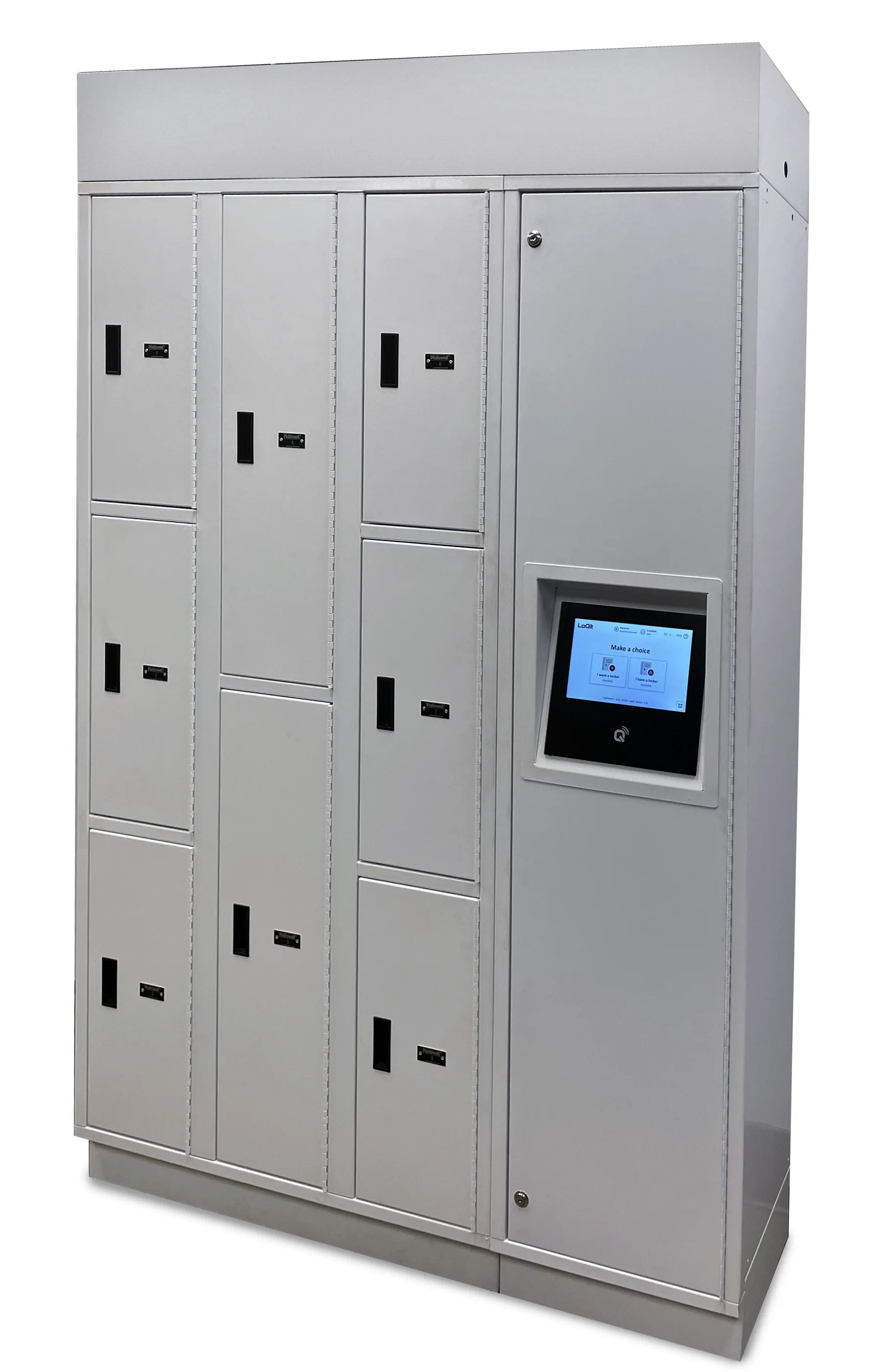
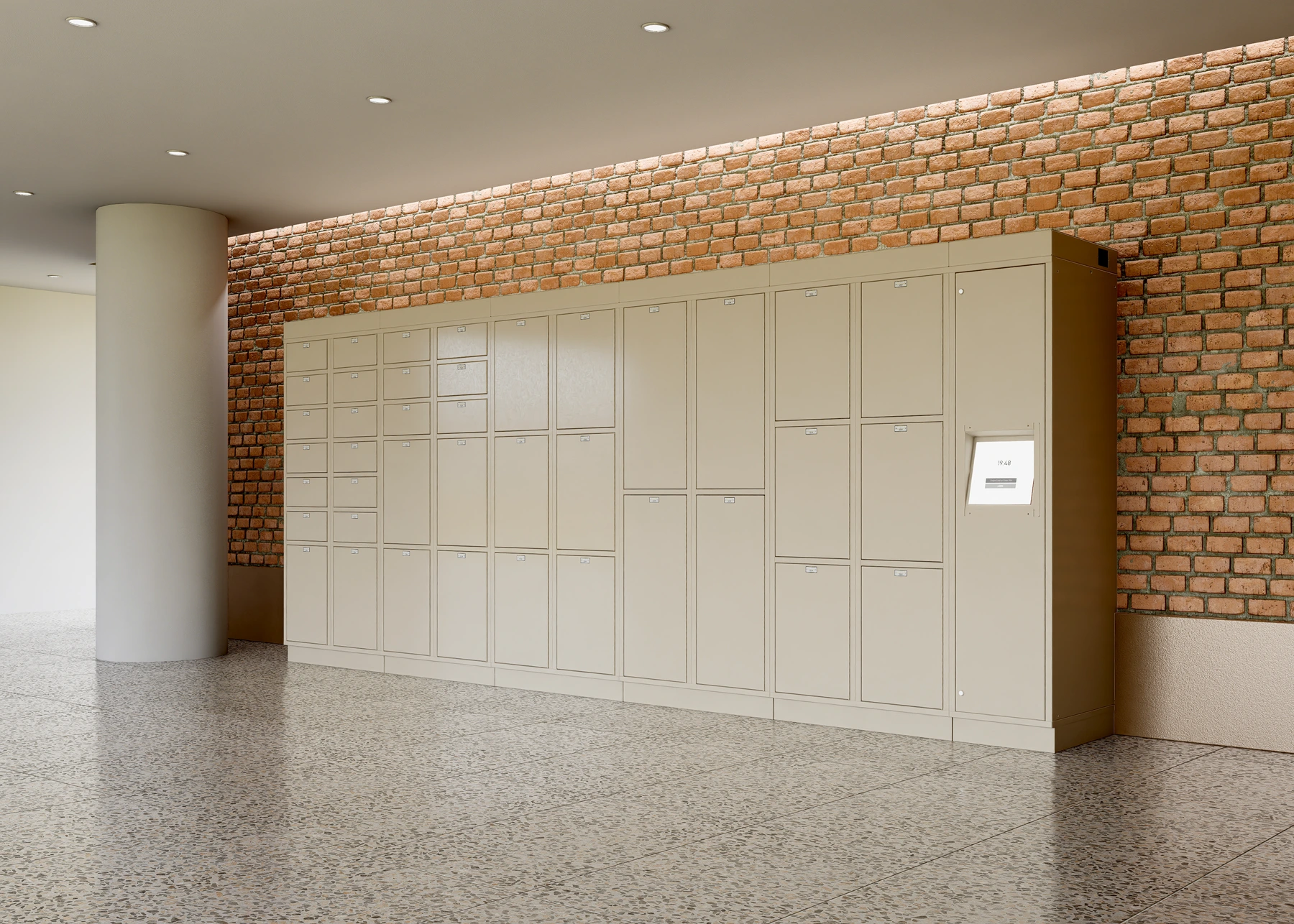
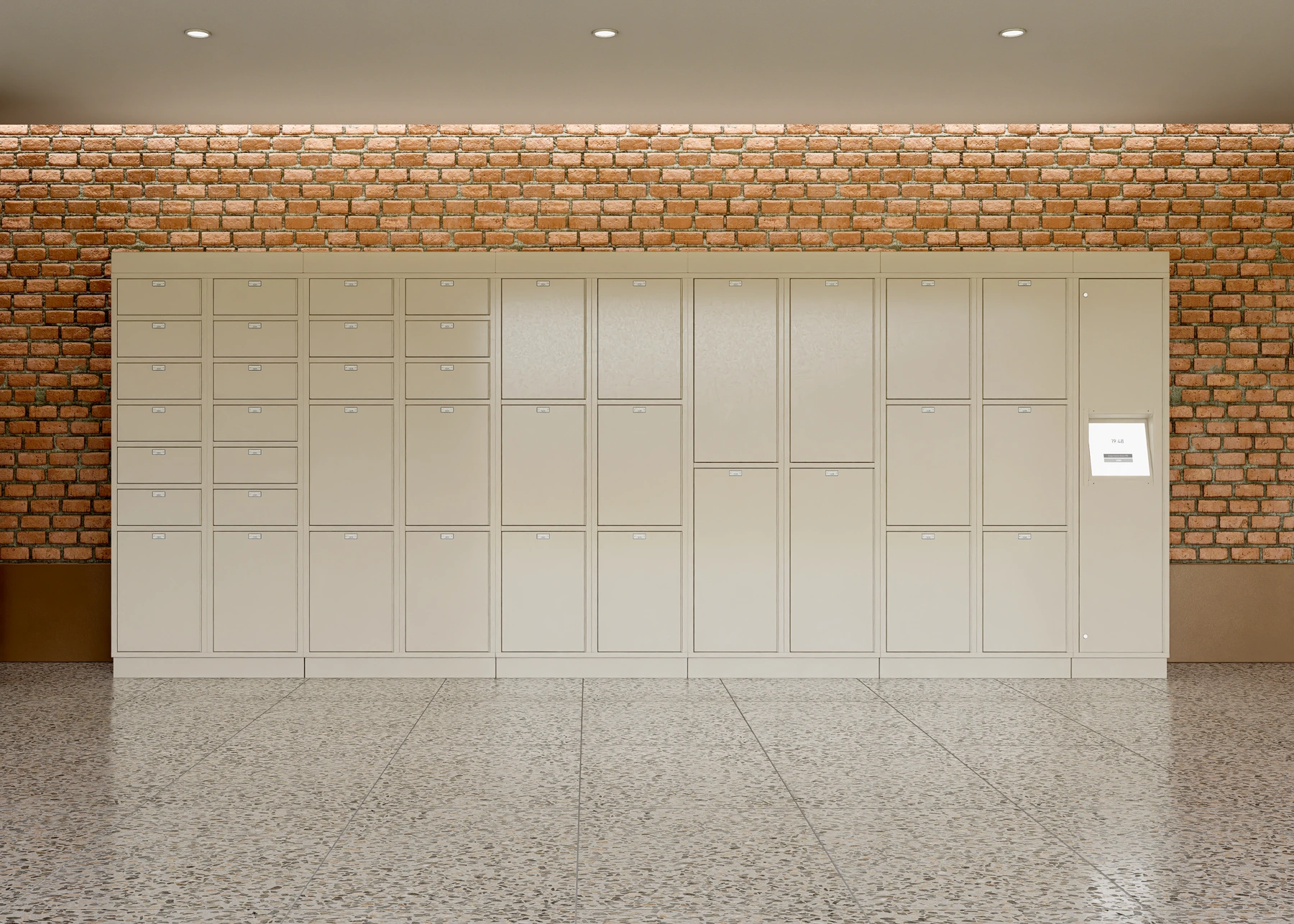
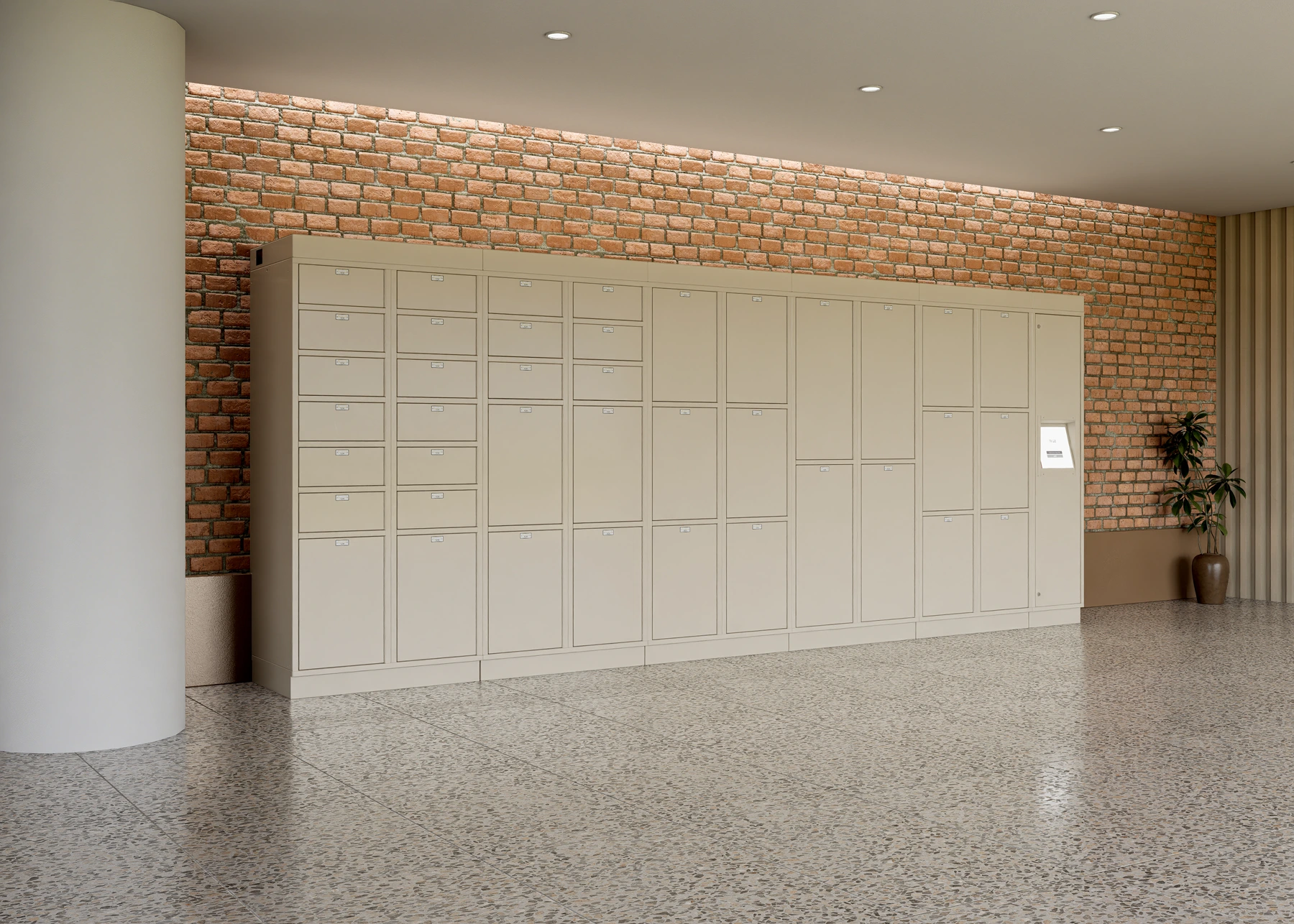
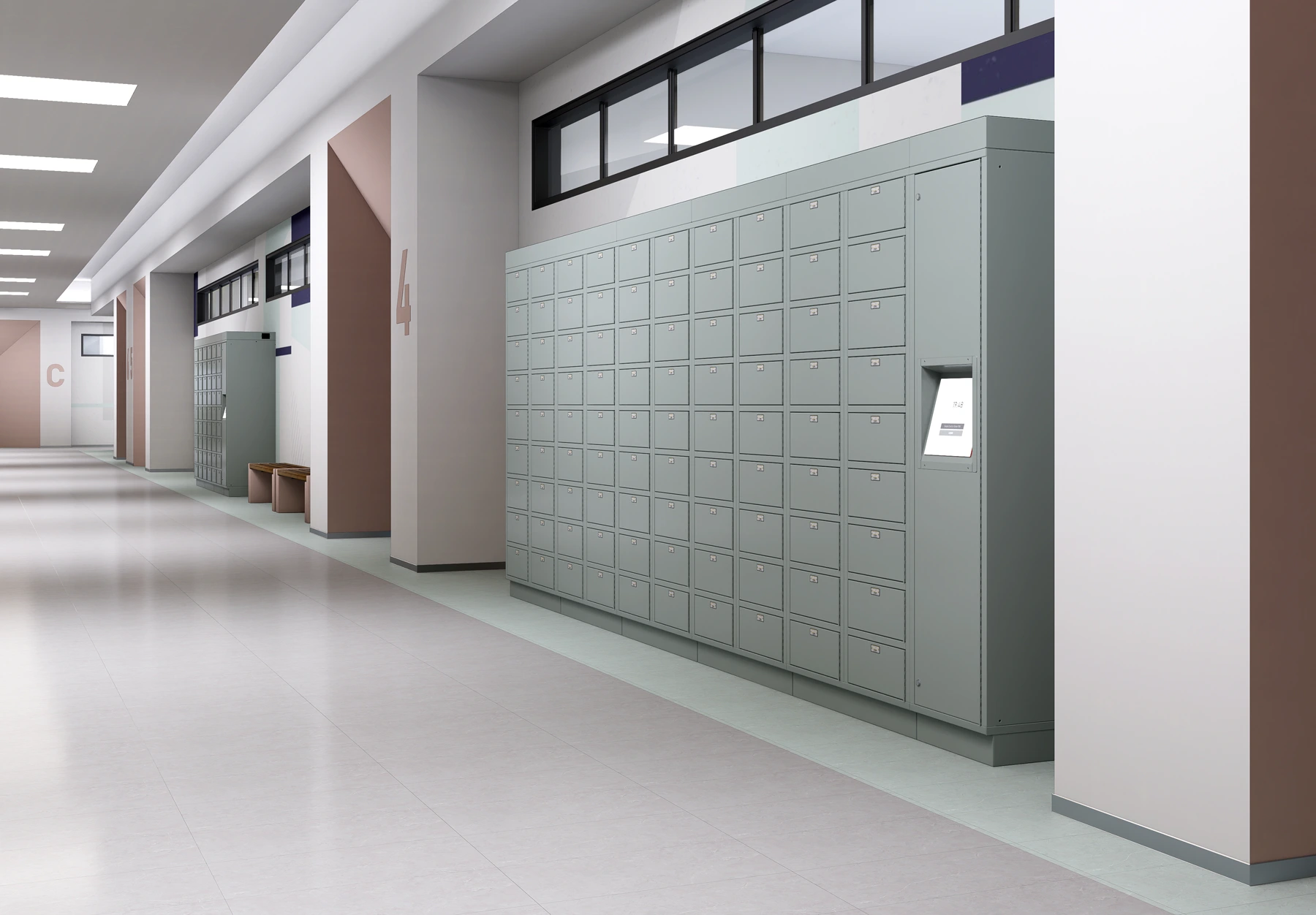
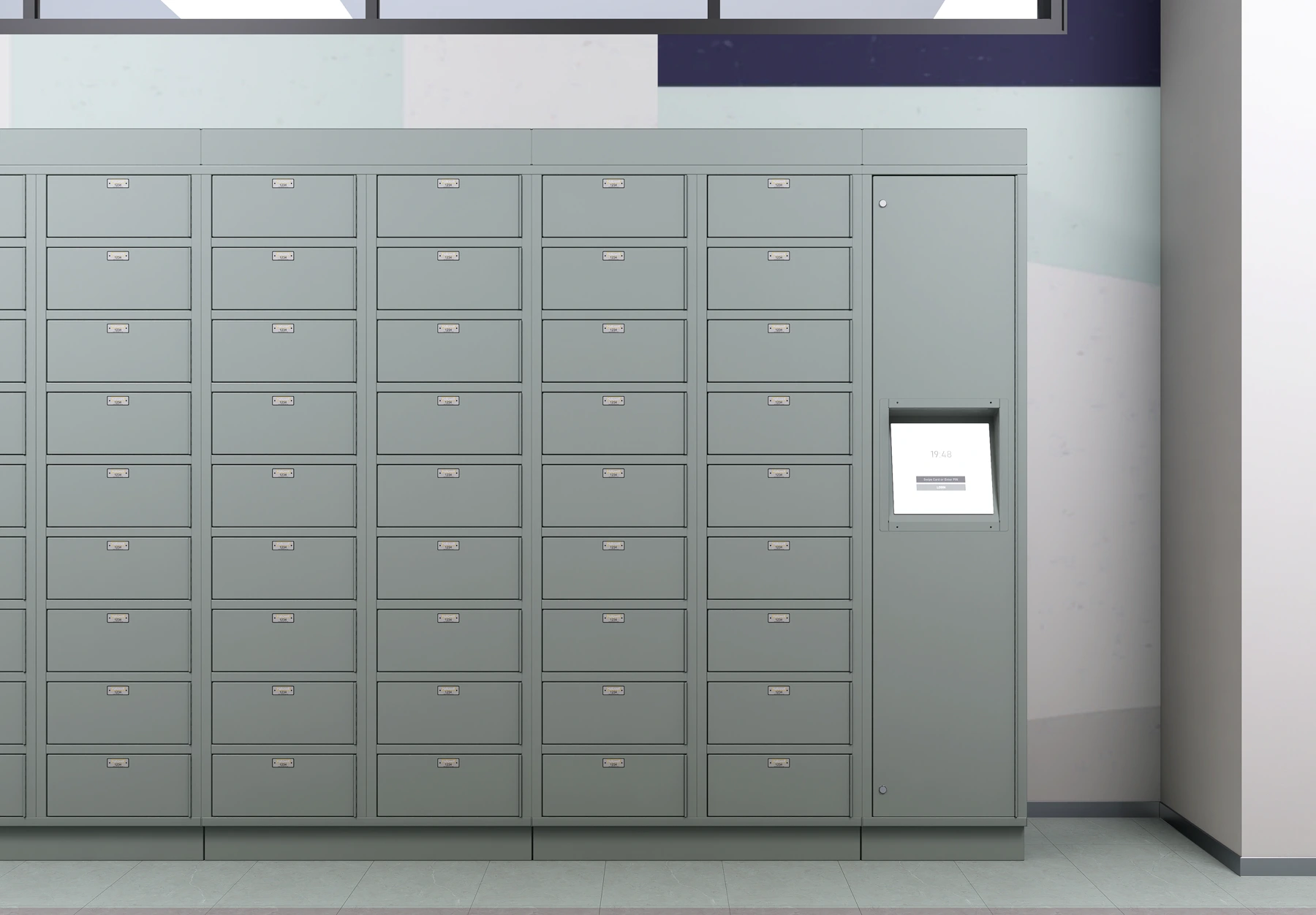
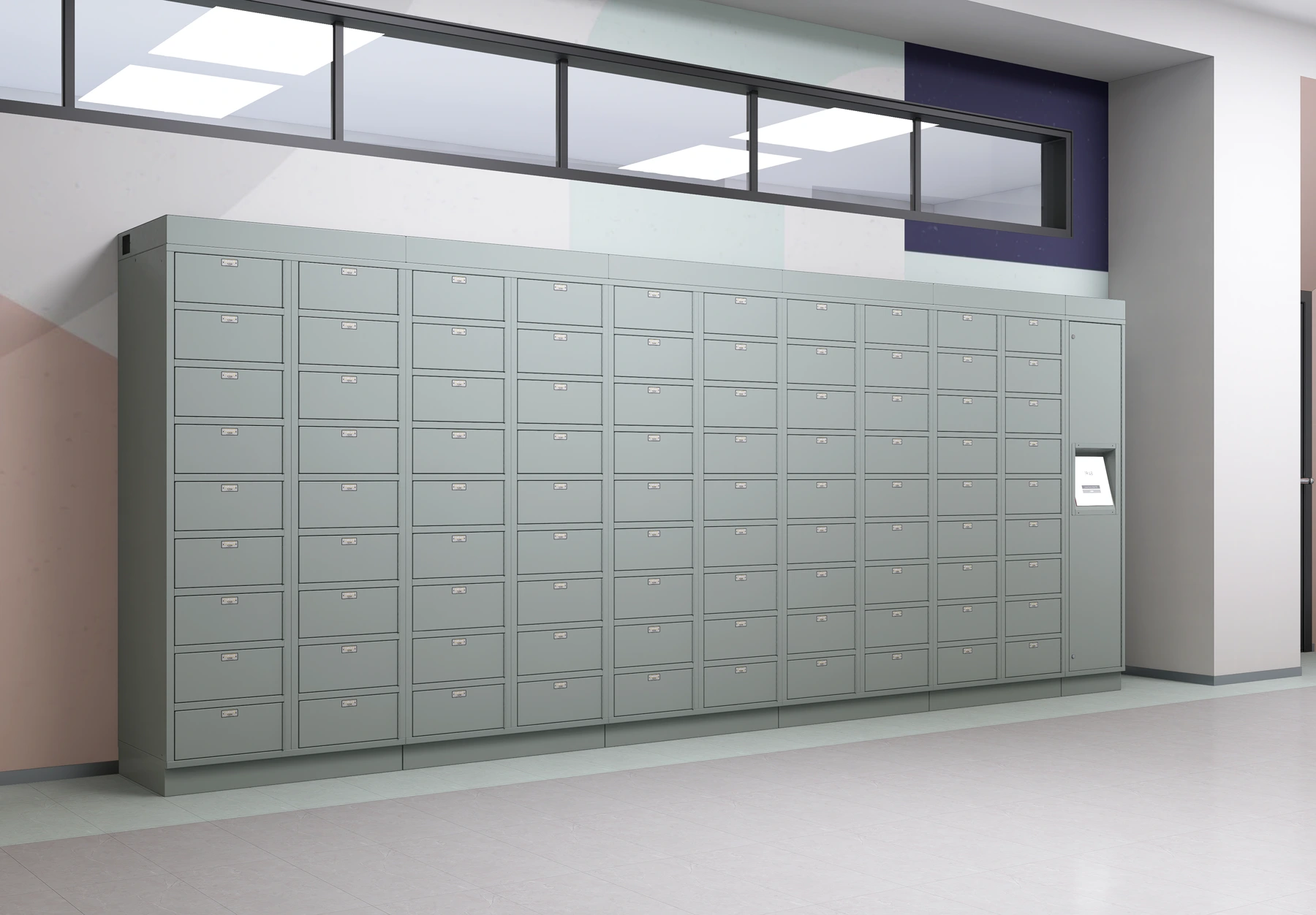
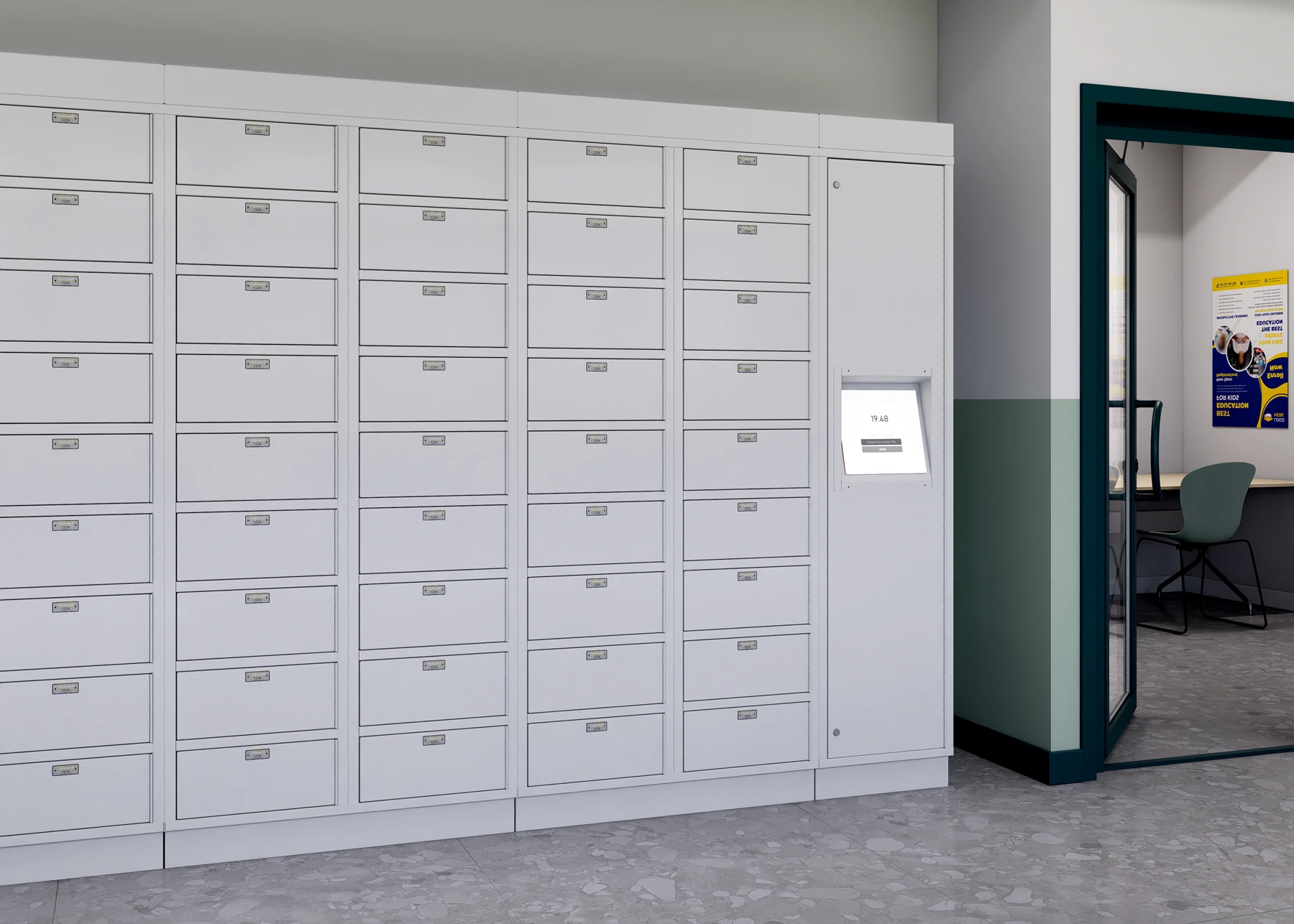
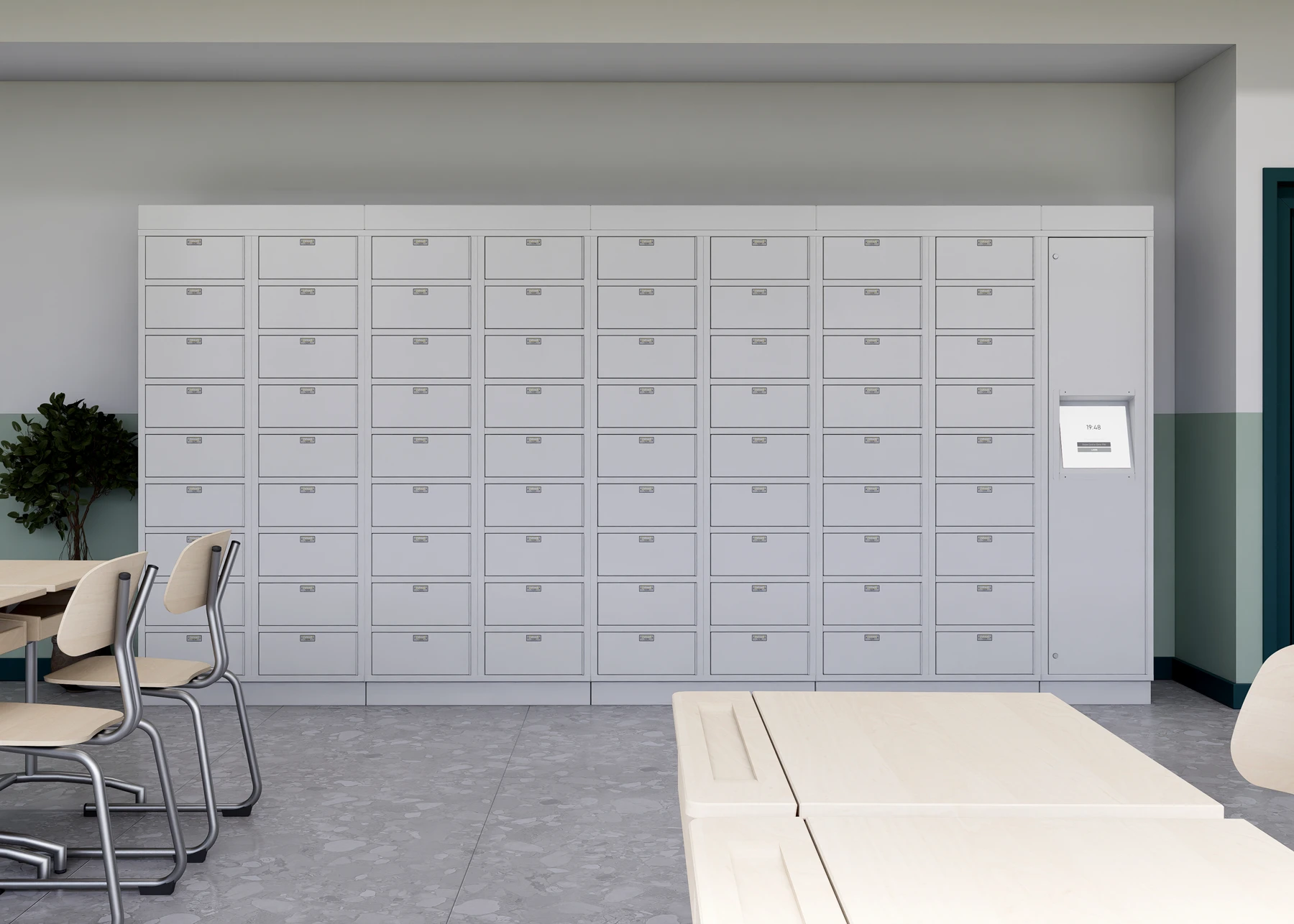
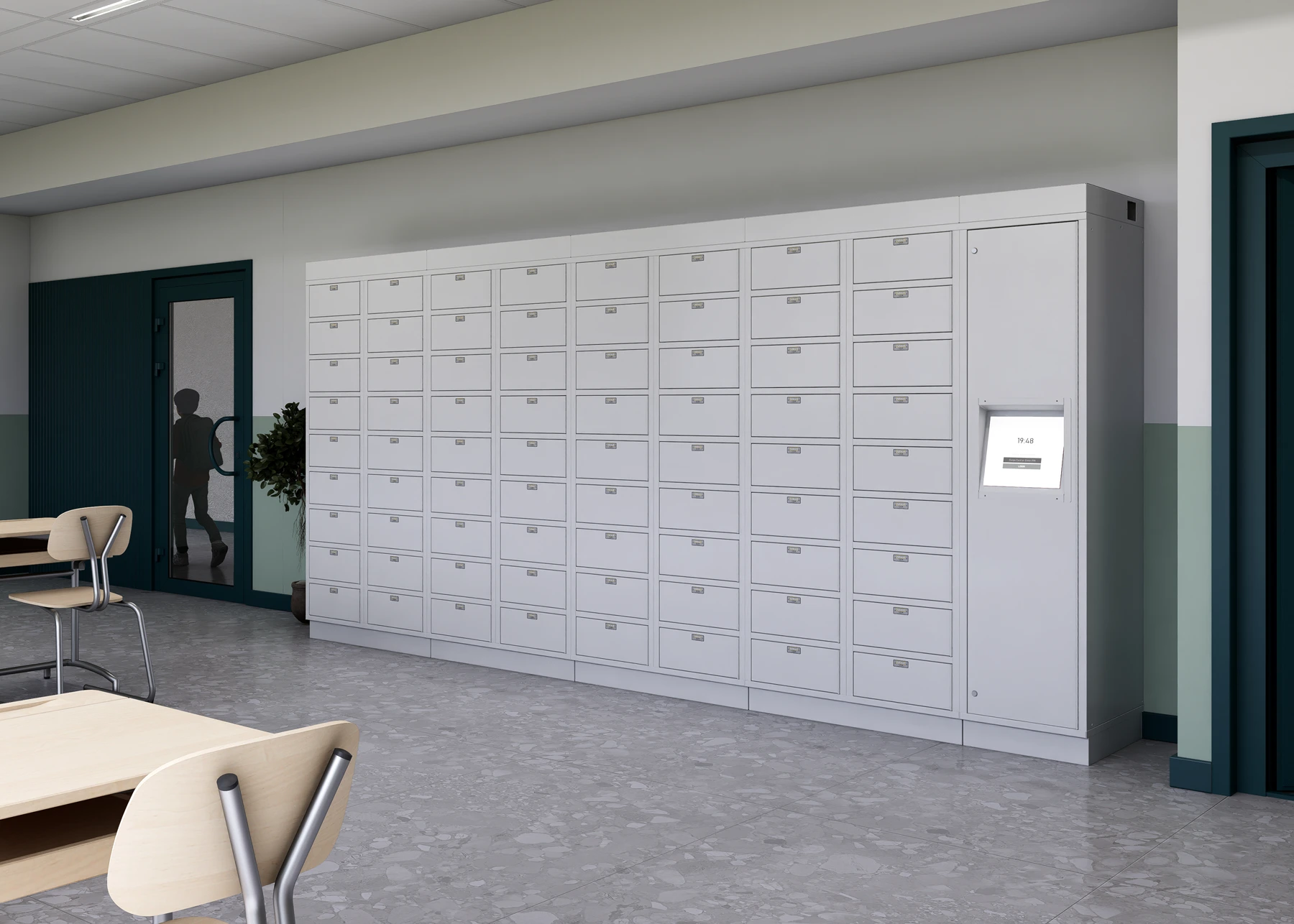
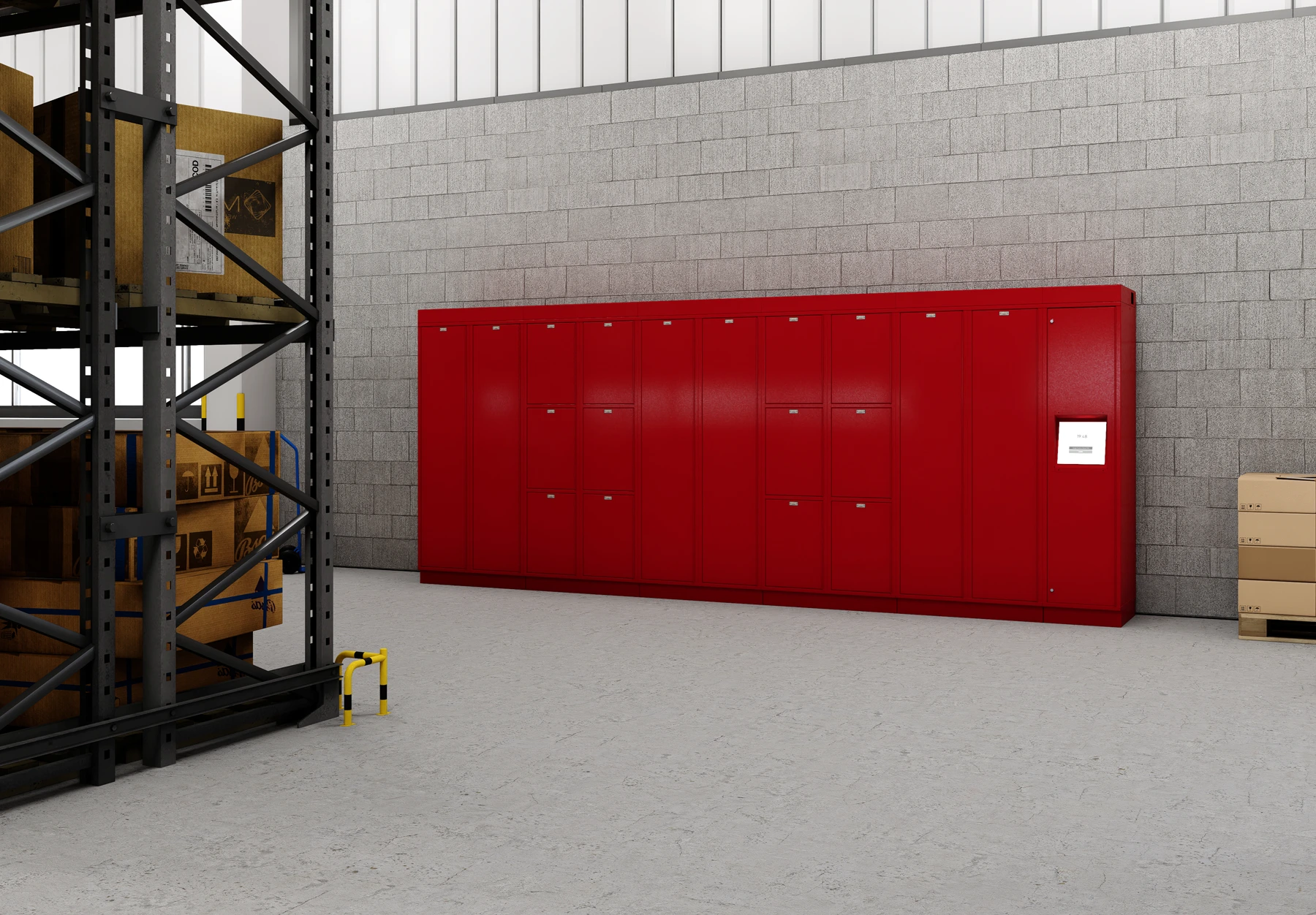
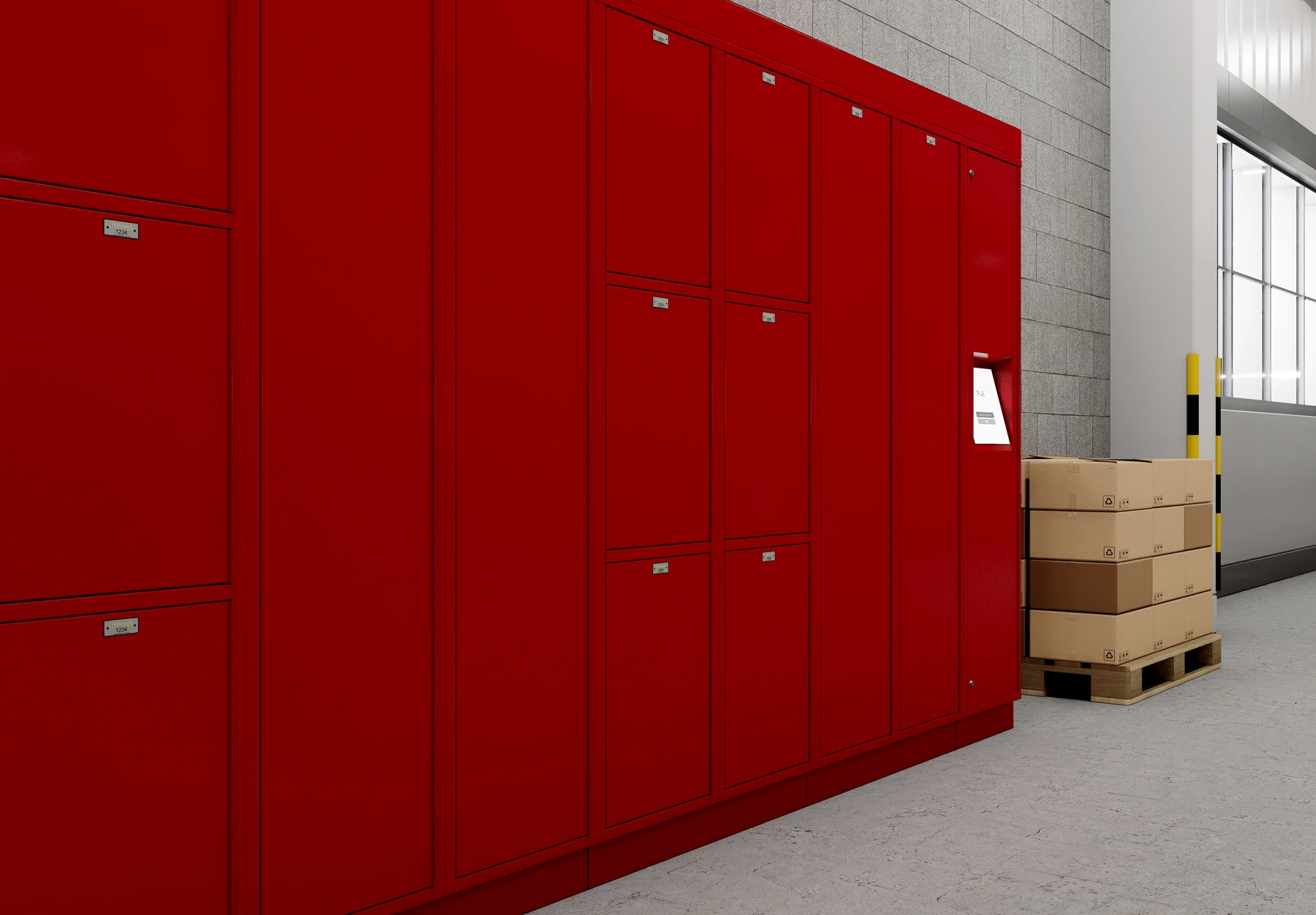
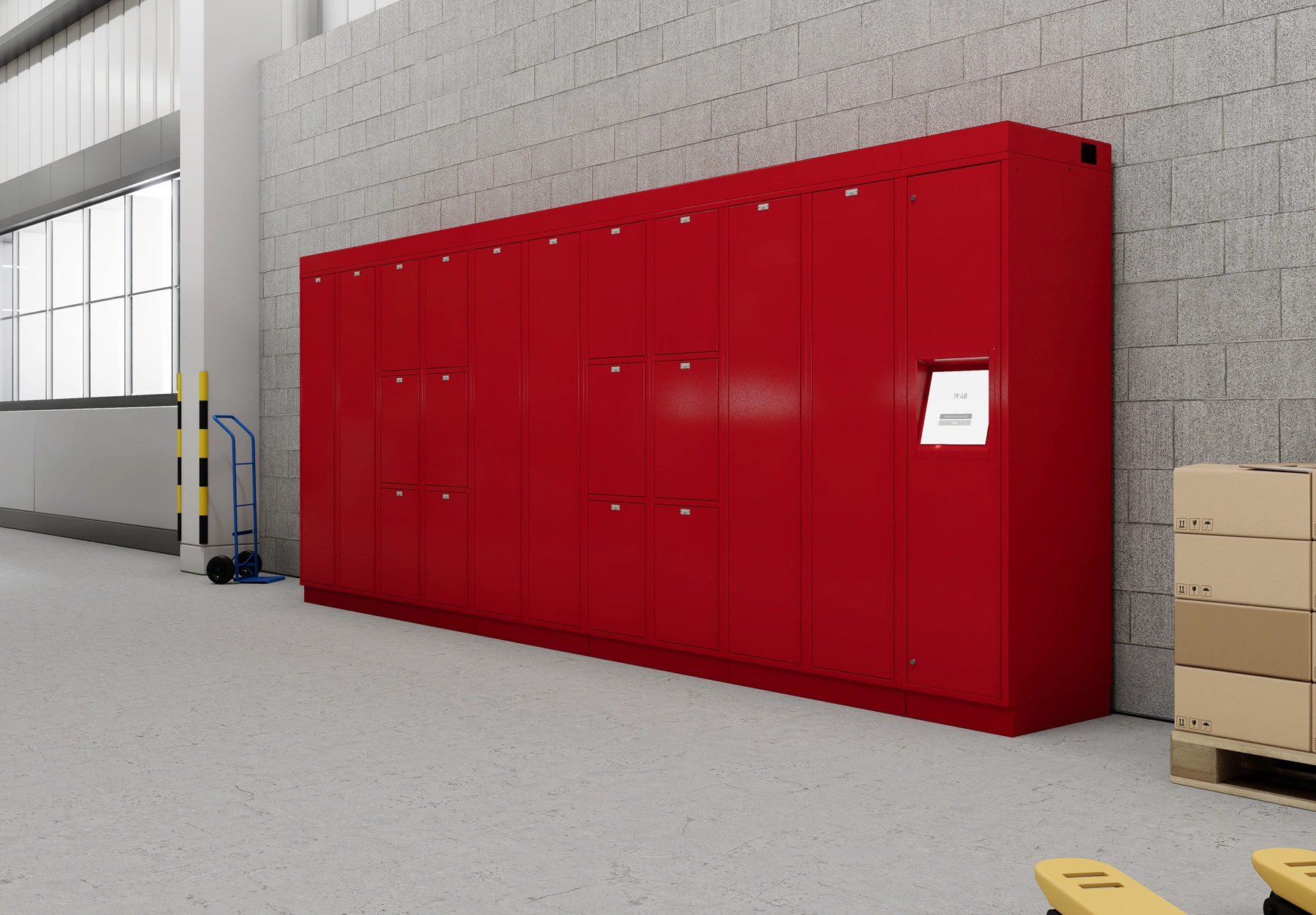
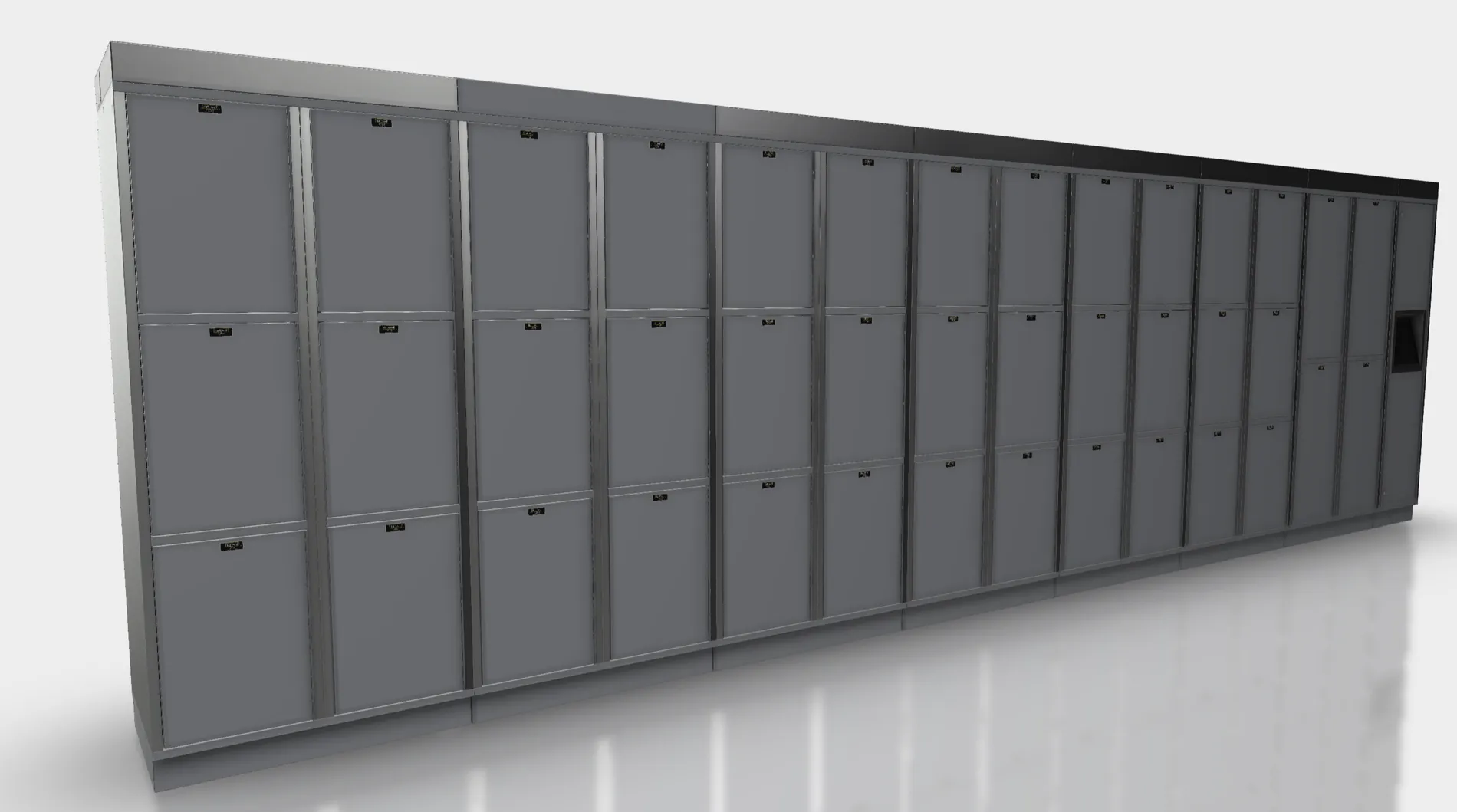
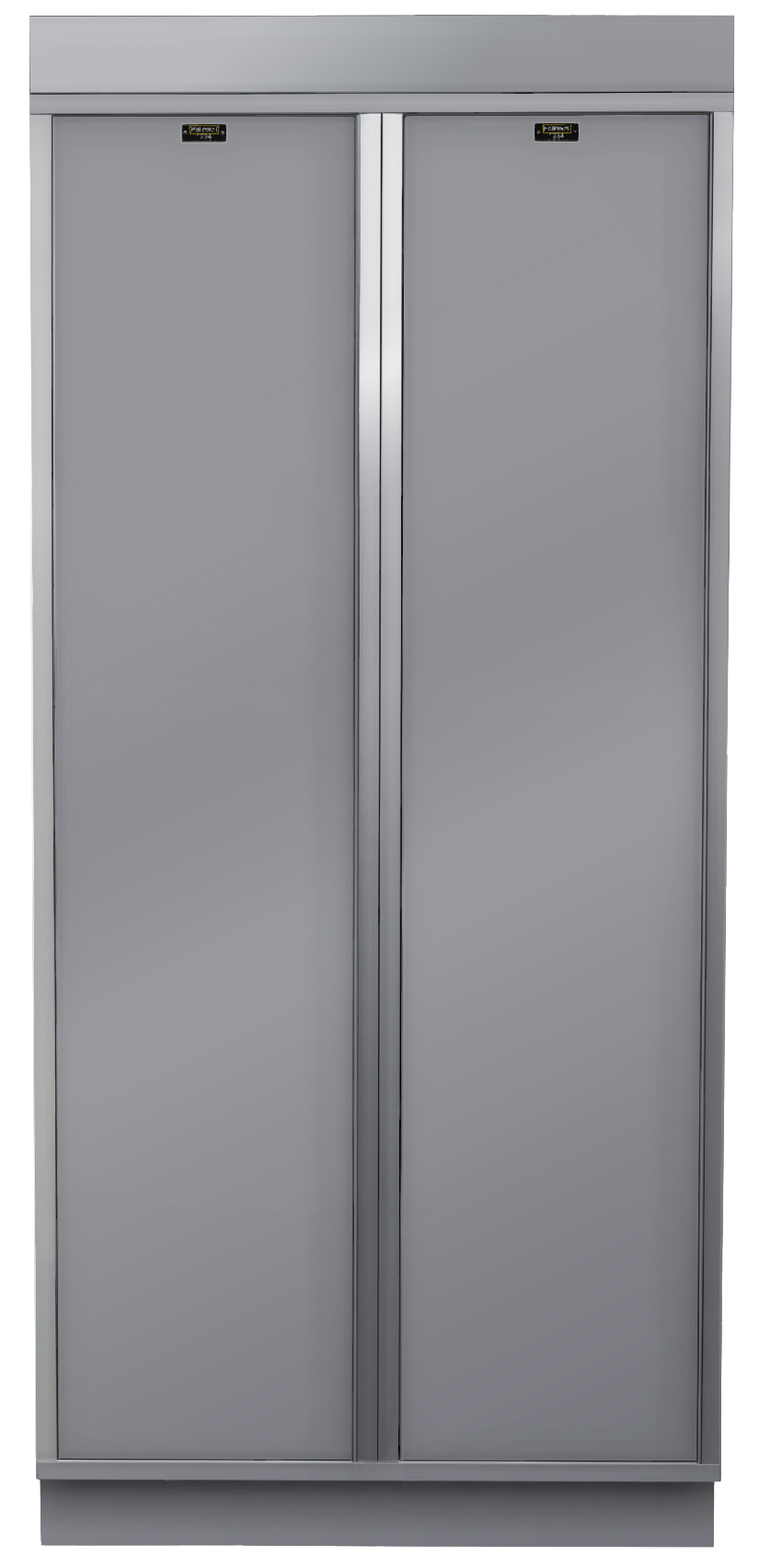
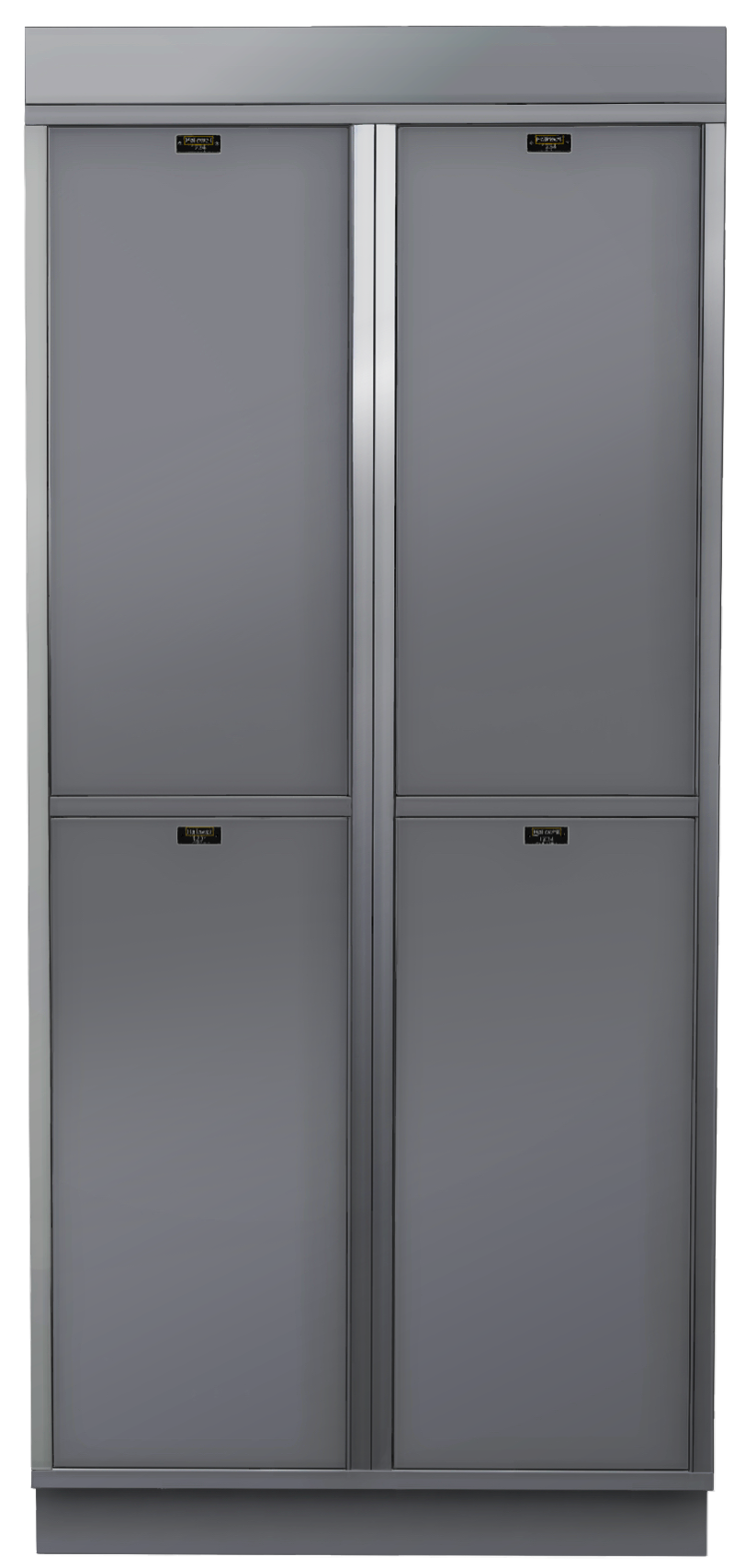
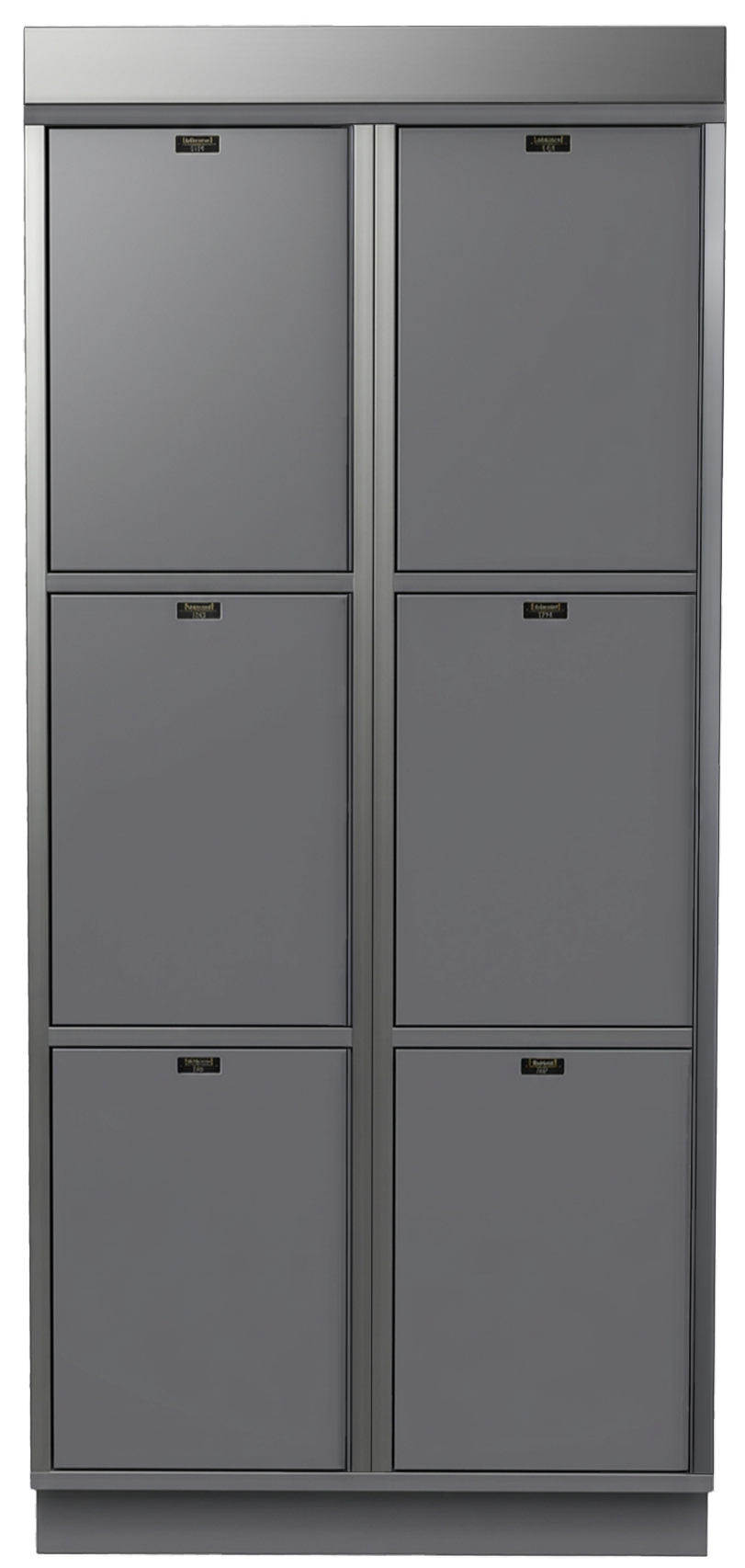
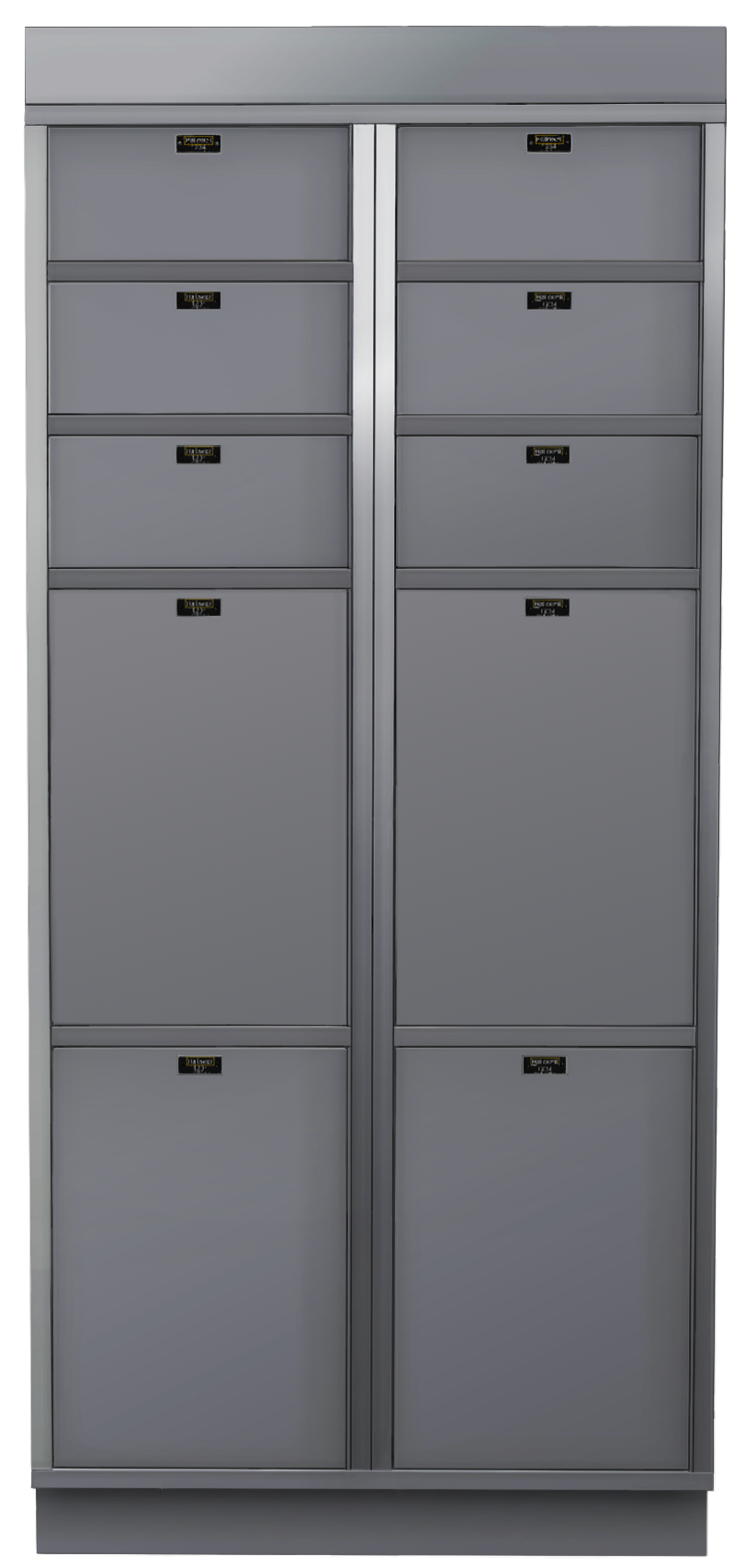
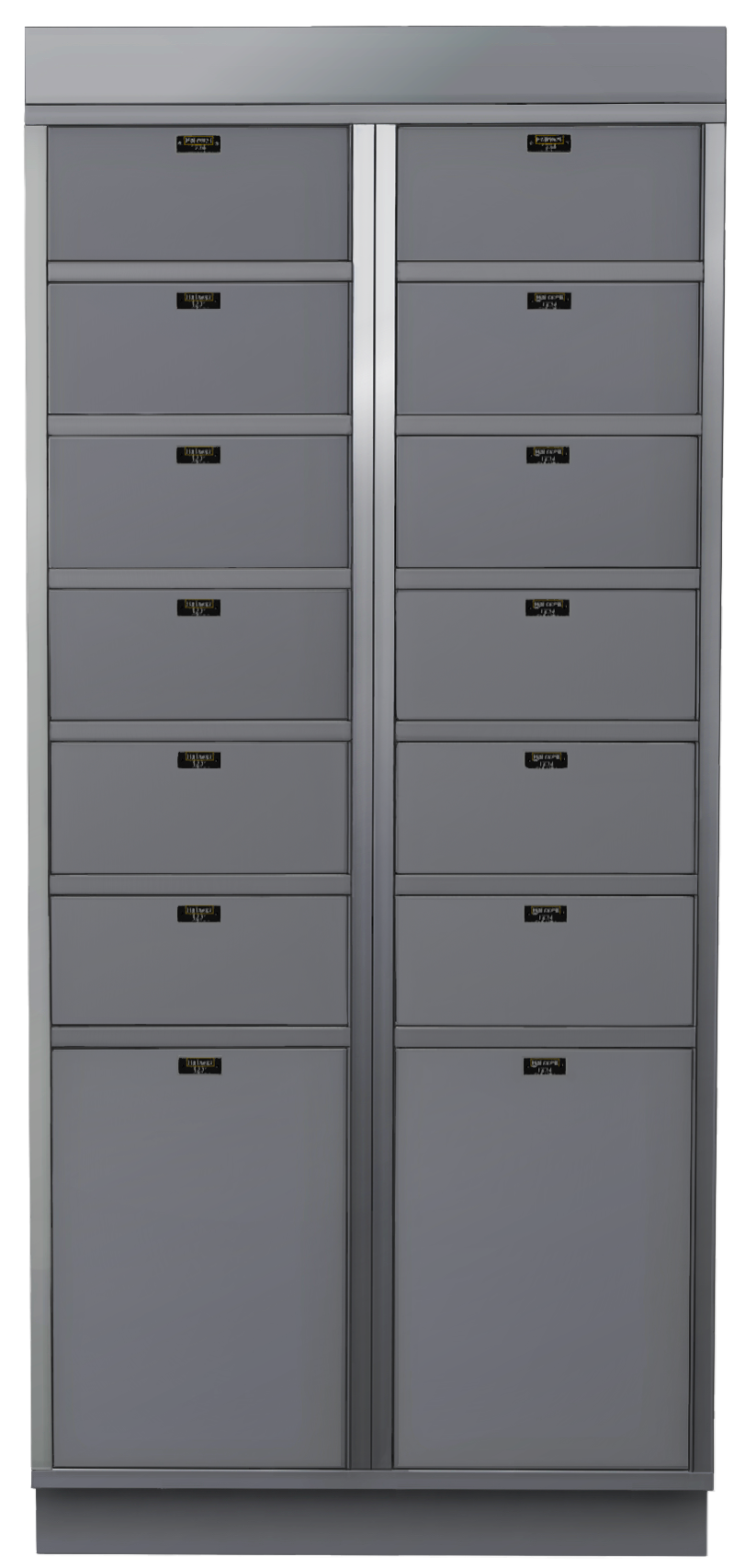
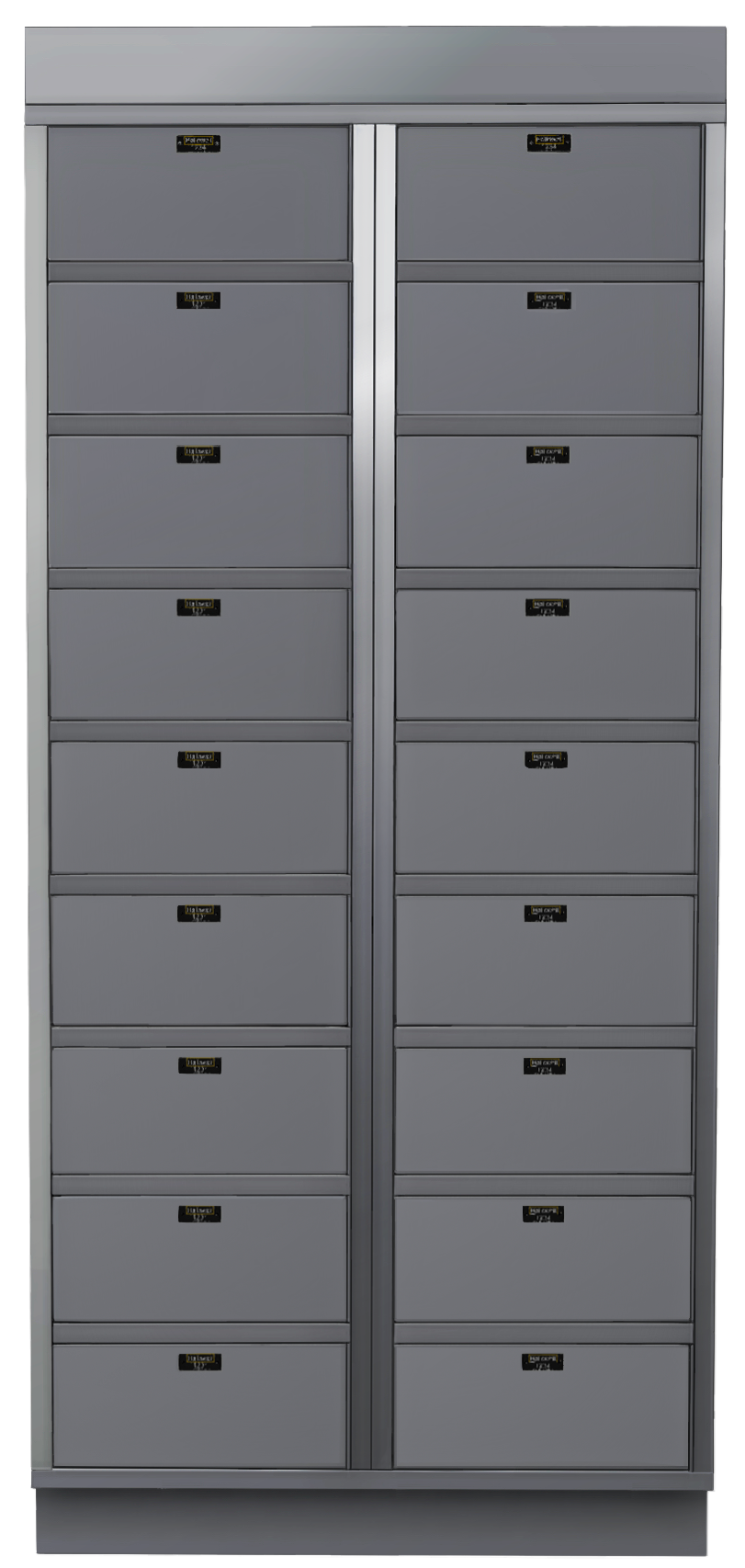


Smart Lockers Built for Industrial Spaces
LokrIQ is a plug-and-play smart locker system that lets you store, track, charge, and manage assets from anywhere. Built with all-welded steel construction and cloud-based management, it’s designed for the demands of industrial operations.

Kiosk
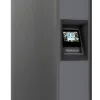
1 Kiosk
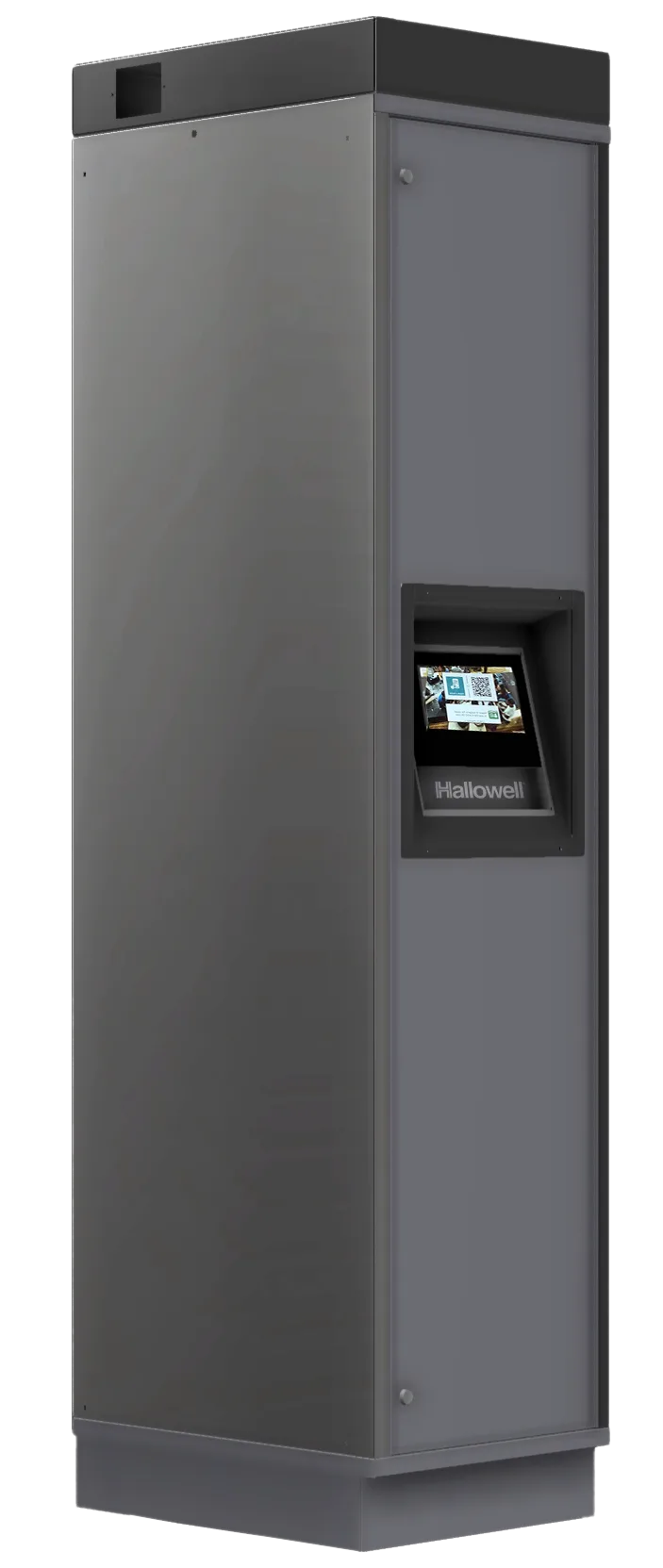
The touchscreen kiosk is the starter column of your system.
It includes a built-in RFID reader and serves as the user-facing access point.
Users interact via
- their RFID badge,
- the mobile web app, or
- PIN entry on the touchscreen.
Connect to your network via
- Wired Ethernet
- or a customer-provided, Ethernet-connected 4G LTE/5G cellular modem.
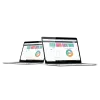
Cloud-Based Smart Locker Management from Anywhere
Core Features
- Real-time monitoring and audit trails; know who accessed which locker and when
- Usage analytics and reporting
- Multi-site management from a single dashboard
- Remote configuration and credential control
- Automatic door opening available
- Locker rental and reservation workflows
Power Up
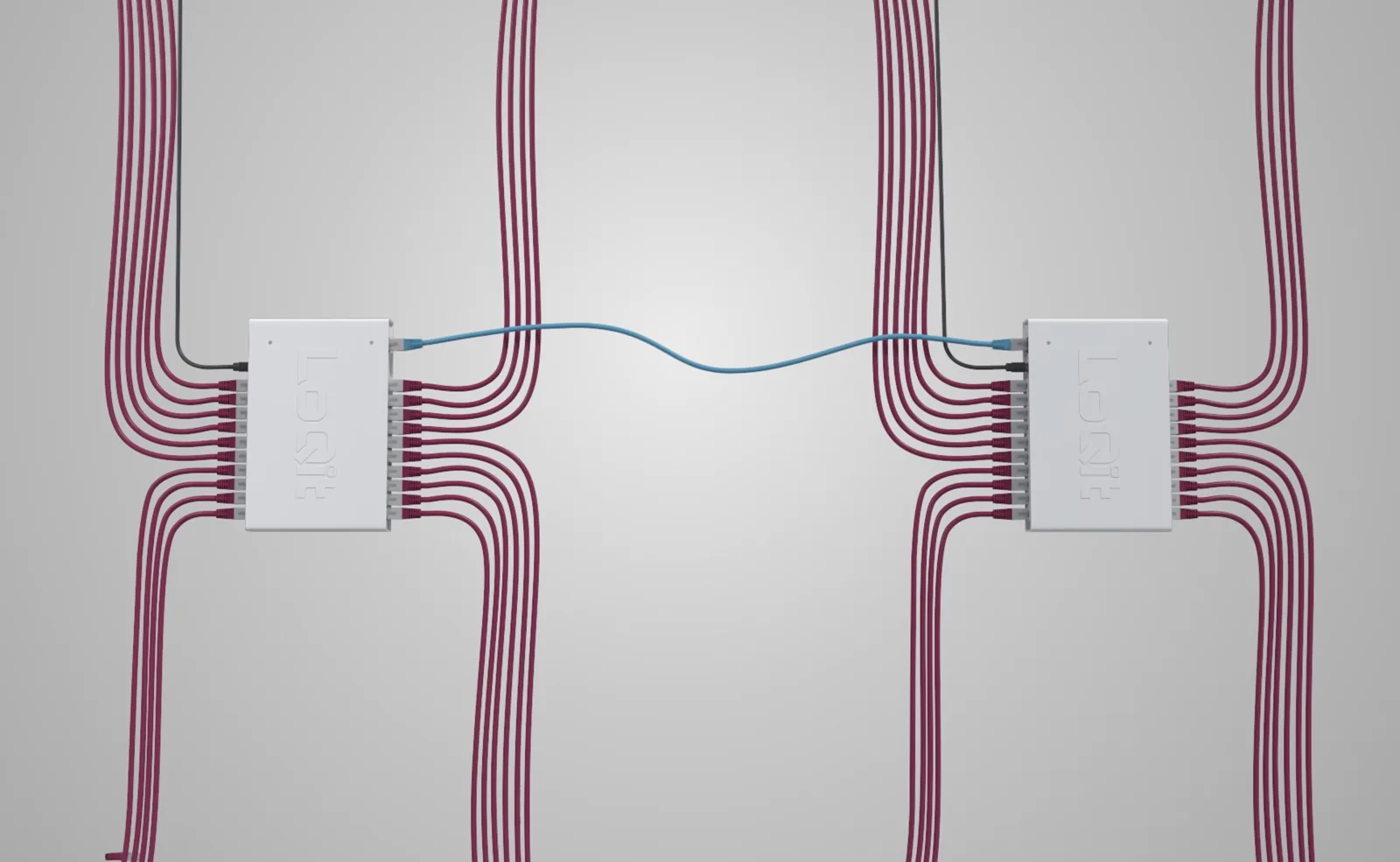
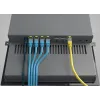
Connect the kiosk to two standard power outlets, then connect it to your network through one RJ45 Ethernet port using a Cat5e or Cat6 cable. That’s it - manage from anywhere.
Video
